/blog / receipts
numbers first.
opinions after.
Tests of chat widgets with the raw data, receipts from our own code, the reasons behind our decisions, and guides for putting live chat on your site.
 the spookat mcp server, every toolAll 27 tools on Spookat's MCP server: what an agent can do with a chat widget, what it can't, and why a human always connects and pays.by kuba
 what happens when a bot finds your chatSooner or later a bot finds every chat box on the internet. How Spookat keeps a flood out of your Slack, lets real visitors keep talking, and keeps one site's flood away from everyone else.by kuba
 your whole site in one fileOne click gives you everything Spookat holds for your site as a JSON file: every conversation, every message, the settings and the activity log. No secrets in it, no waiting.by kuba
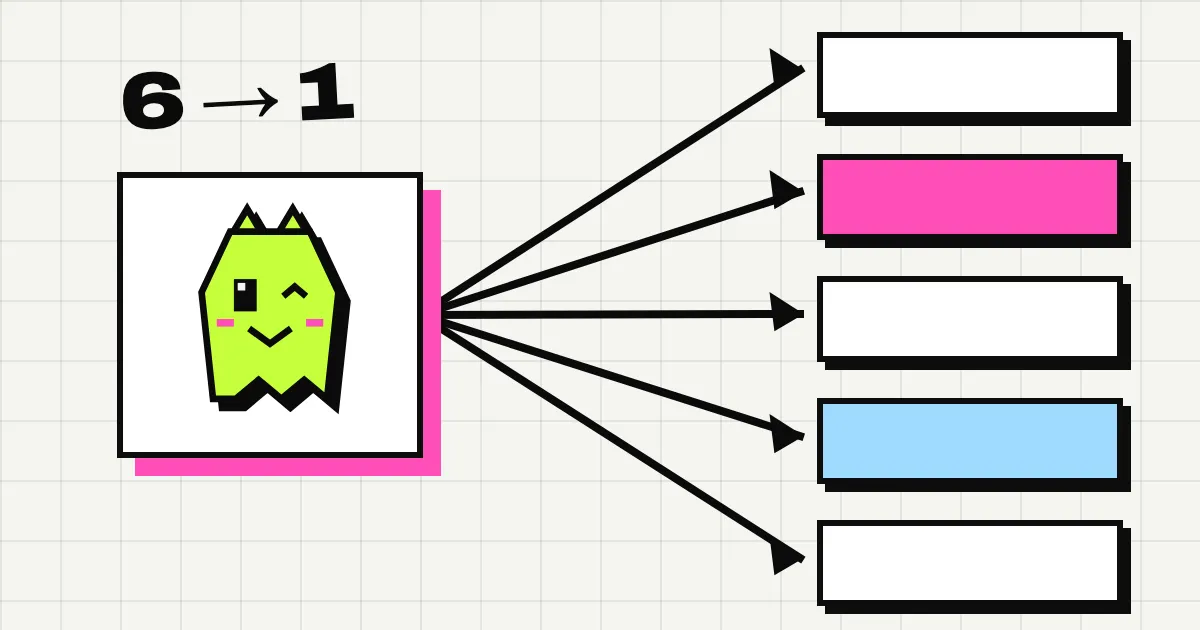 six doors, one conversationYour team can answer from Slack, the dashboard, the API or an agent, and the visitor sees one clean conversation. What each door does, and how nothing shows up twice.by kuba
 everything we store about a visitor, field by fieldEvery field Spookat keeps when a visitor writes, and what we never keep. Nothing before a click, no IP address, no cookies, and a short list you can check yourself.by kuba
 our website is readable by agentsWhat we built so AI agents can read spookat.com and act on it: llms.txt, markdown for every page, auth.md, OpenAPI, an MCP server card, WebMCP and an open robots.txt.by kuba
 how we test chat widgetsThe widget lab behind our test series: which seven chat widgets, what we measure and why, the exact setup, the limits, and how to check every number yourself.by kuba
 1000 messages a second on one coreWe load-tested Spookat on production hardware: one process on one core took 1000 visitor messages a second, and 800 with every one posted to Slack.by kuba